Odoo ist in diesem Jahr 20 geworden und hat dafür die bisher größte Odoo Experience auf die Beine gestellt.
Hier finden Sie alles, was Sie von der diesjährigen Veranstaltung verpasst haben: die wichtigsten Funktionen von Odoo 20, sehenswerte Vorträge zum Nachholen und wohin sich Odoo in Zukunft entwickelt.
Odoo 20 feierte zum Abschluss einer weltweiten Eventtour in Brüssel Premiere
Die Odoo Experience (OXP) fand traditionell in der Brussels Expo statt. 2026, zum 20-jährigen Jubiläum, ging Odoo mit seinem Flaggschiff-Event zum ersten Mal auf Tour.
Bei regionalen Events in Mexiko-Stadt, den Vereinigten Staaten, Kenia und Indien konnte das Publikum vor Ort im Laufe des Septembers schon einen ersten Blick auf Odoo 20 werfen.
Die offizielle Vorstellung von Odoo 20 blieb aber wie gewohnt der Eröffnungskeynote vorbehalten, die CEO Fabien Pinckaers am 24. September in Brüssel hielt. Hier können Sie sich die Keynote ansehen:
Neben den Keynotes von Fabien Pinckaers zu Odoo 20 bot die Agenda der Odoo Experience 2026 ein breites Programm mit Gastrednern – zu Themen von KI über digitale Souveränität bis hin zum Umstieg auf nachhaltige Energien.
Die Odoo-Teams zeigten selbst, was es in den Apps Neues gibt. Unsere Empfehlungen:
Odoo MCP und KI-Konnektoren im technischen Deep Dive mit einem Blick unter die Haube, wie sich Odoo mit KI-Tools verbindet
Was ist neu bei KI? Ein Überblick über die KI-Funktionen der neuen Version
Odoo geht offline und zeigt den neuen Offlinemodus in Aktion
Unverzichtbare Tipps & Tricks für das volle Potenzial von Odoo in einer Session für alle, die mehr aus Odoo herausholen möchten.
Odoo ändert seine Preise für Europa
Zusammen mit dem Release kündigte Odoo die erste Preisänderung für Europa seit vier Jahren an, außerdem einen neuen Benutzertyp namens Light User zu einem reduzierten Preis.
Tarif One-App Free: keine Änderung
Tarif Standard: keine Änderung
Tarif Custom: 20% Preiserhöhung für neue Benutzer
Light User: ein neuer, günstigerer Benutzertyp ab 7,90 € pro Monat, je nach Land
Bestehende Benutzer im Tarif Custom müssen bei der Verlängerung mit einer Erhöhung von höchstens 7% pro Jahr rechnen, wie im Abonnementvertrag von Odoo vorgesehen.
Um den Preis für Light User zu erhalten, müssen Kunden Odoo 20 nutzen und einen neuen Enterprise-Vertrag unterzeichnen.
Die neuen Light User haben Zugriff auf eine begrenzte Auswahl an Apps:
Als Benutzer: Abwesenheiten (für sich selbst), Spesen, Mitarbeiterbeurteilung, Anwesenheiten, Empfehlungen, Planung + Außendienst, Barcode-Bedienung im Lager sowie Knowledge mit reinem Lesezugriff
Als Mitarbeiter: Lohnabrechnungen, POS, Shop Floor und alle weiteren Apps, auf die ein Benutzer Zugriff hat
Die wichtigsten neuen Funktionen in Odoo 20, die Sie kennen sollten
Odoo 20 bringt Hunderte Änderungen in mehr als 50 Apps, dazu Updates für Lokalisierungen und Branchenpakete. Das sind die Funktionen, die Ihren Arbeitsalltag unserer Meinung nach am stärksten verändern werden:
1. MCP direkt in Odoo integriert
Odoo lässt sich jetzt über MCP (Model Context Protocol) direkt mit Ihrem KI-Assistenten verbinden.
2. Autonome KI legt Datensätze selbst an und aktualisiert sie
KI-Agenten können jetzt selbstständig arbeiten, entweder wenn eine Automatisierungsregel ausgelöst wird oder zu einem festgelegten Zeitpunkt. In den Automatisierungs-Chats sehen Benutzer, wie ein Agent jeden Durchlauf erledigt hat, und können anhand aufgetretener Fehler Änderungen anfordern. Agenten passen sich zudem selbst an, damit sie ihren Einsatzzweck bestmöglich erfüllen. Benutzer können einen KI-Agenten auch bitten, beliebige Inhalte anzulegen und bestehende Datensätze zu aktualisieren – auf Wunsch direkt per Spracheingabe.
3. Neue Assistenten dank KI
In der Buchhaltung steht Benutzern jetzt ein KI-Buchhaltungsagent zur Seite, der Einblicke in die Finanzen des Unternehmens gibt – ausschließlich auf Basis der Buchhaltungsdaten in der eigenen Datenbank. Auf der Website kann der KI-Website-Assistent jetzt neue Webseiten erstellen, Snippets bearbeiten, Bilder von Unsplash einfügen oder generieren sowie Webformulare und Menüs anlegen oder bearbeiten. Er kann sich von anderen Websites inspirieren lassen, Datensätze aus der Datenbank wie Produkte oder Veranstaltungen verwenden und eine bestehende Seite anhand einer URL nachbauen.
Wie sicher ist KI in Odoo 20?
Die neuen KI-Funktionen sehen beeindruckend aus, aber wie sicher sind sie im Umgang mit echten Geschäftsdaten?
Der native MCP-Server von Odoo 20 berücksichtigt die Zugriffsrechte der Benutzer und erlaubt standardmäßig nur Lesezugriff. Sobald jedoch Schreibaktionen aktiviert sind, kann die KI Datensätze ohne Freigabe ändern, und es gibt kein Audit-Log, das festhält, was sie getan hat.
Der Odoo MCP Server von much. wurde von Grund auf auf Sicherheit ausgelegt. KI-Assistenten verbinden sich über einen sicheren OAuth-2.1-Login mit Odoo. Sie erreichen nur die Daten, die Administratoren freigeben, und fragen um Erlaubnis, bevor sie etwas ändern. Jede Aktion und jede abgelehnte Anfrage wird in Odoo protokolliert, sodass Sie immer wissen, was die KI getan hat.
Das Modul ist derzeit für Odoo 16–19 (Enterprise & Community) verfügbar und erscheint in Kürze auch für Odoo 20.
4. Unternehmensübergreifender Abgleich von Bestellungen
Werden Verkaufsaufträge, Bestellungen und Rechnungen zwischen Unternehmen synchronisiert, gleicht Odoo die synchronisierten Lieferantenrechnungen jetzt automatisch mit den synchronisierten Bestellungen ab.
5. Unternehmensübergreifende Prozesse
Ein Unternehmen kann ein anderes jetzt über Routen nachbeliefern, und ein Verkaufsauftrag kann aus dem Lager oder von Abholpunkten eines anderen Unternehmens versendet werden. Die Bewertungskosten übertragener Produkte werden zwischen den Unternehmen übernommen, und Änderungen an verknüpften Verkaufsaufträgen und Bestellungen, etwa bei Preis oder Menge, werden an das andere Unternehmen weitergegeben.
6. Automatische Vorschläge für Zusatzverkäufe
Odoo kann für den E-Commerce automatisch Zubehör sowie optionale und alternative Produkte generieren.
7. Verbesserter Offlinemodus
Datensätze lassen sich auch offline anlegen, bearbeiten, archivieren, dearchivieren und löschen, und bereits ausgeführte Suchen funktionieren auch ohne Verbindung.
8. Neue UX/UI in der mobilen App
Wer auf dem Startbildschirm der mobilen App nach unten wischt, öffnet jetzt die Befehlssuche für Menüs und Aktionen. Datumsauswahlen gleiten nun vom unteren Bildschirmrand nach oben und funktionieren auch auf Tablets. Formulare wurden für Touchscreens optimiert, und ein neuer Anmeldebildschirm ermöglicht eine sichere Authentifizierung.
*Bitte beachten Sie, dass alle KI-Funktionen jetzt Credits erfordern, die Sie über IAP (In-App-Käufe) erwerben können.
Weitere Funktionen von Odoo 20 finden Sie hier:
much. auf der Odoo Experience 2026 mit 17 Vorträgen und über 1.200 Kaffees
Drei Tage lang war unser großer roter Stand in Halle 7 der Treffpunkt für alle Odooer – oder besser gesagt ein Coffeeshop, in dem unser Team mehr als 1.200 Tassen Kaffee für die Community ausgeschenkt hat!

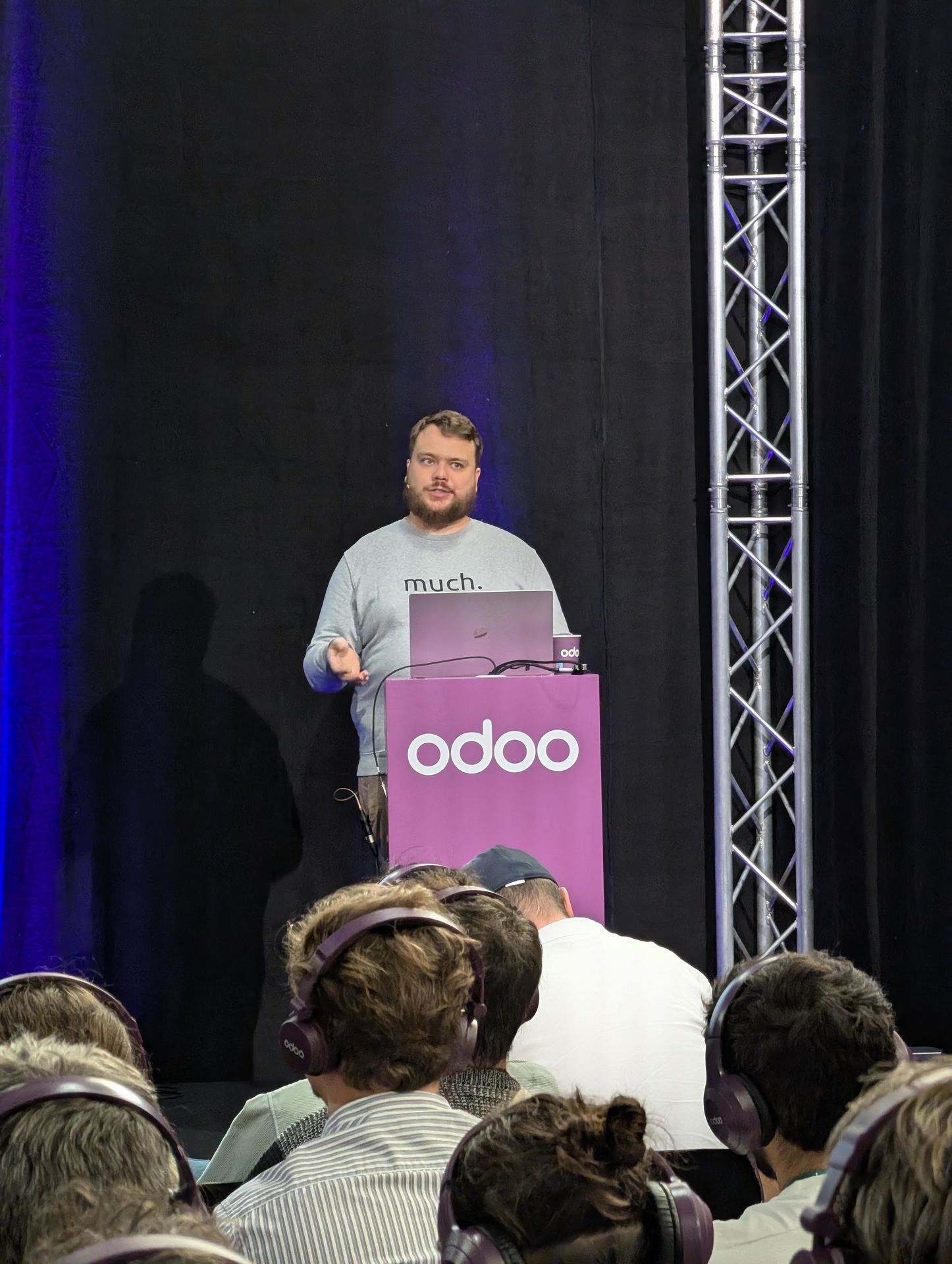
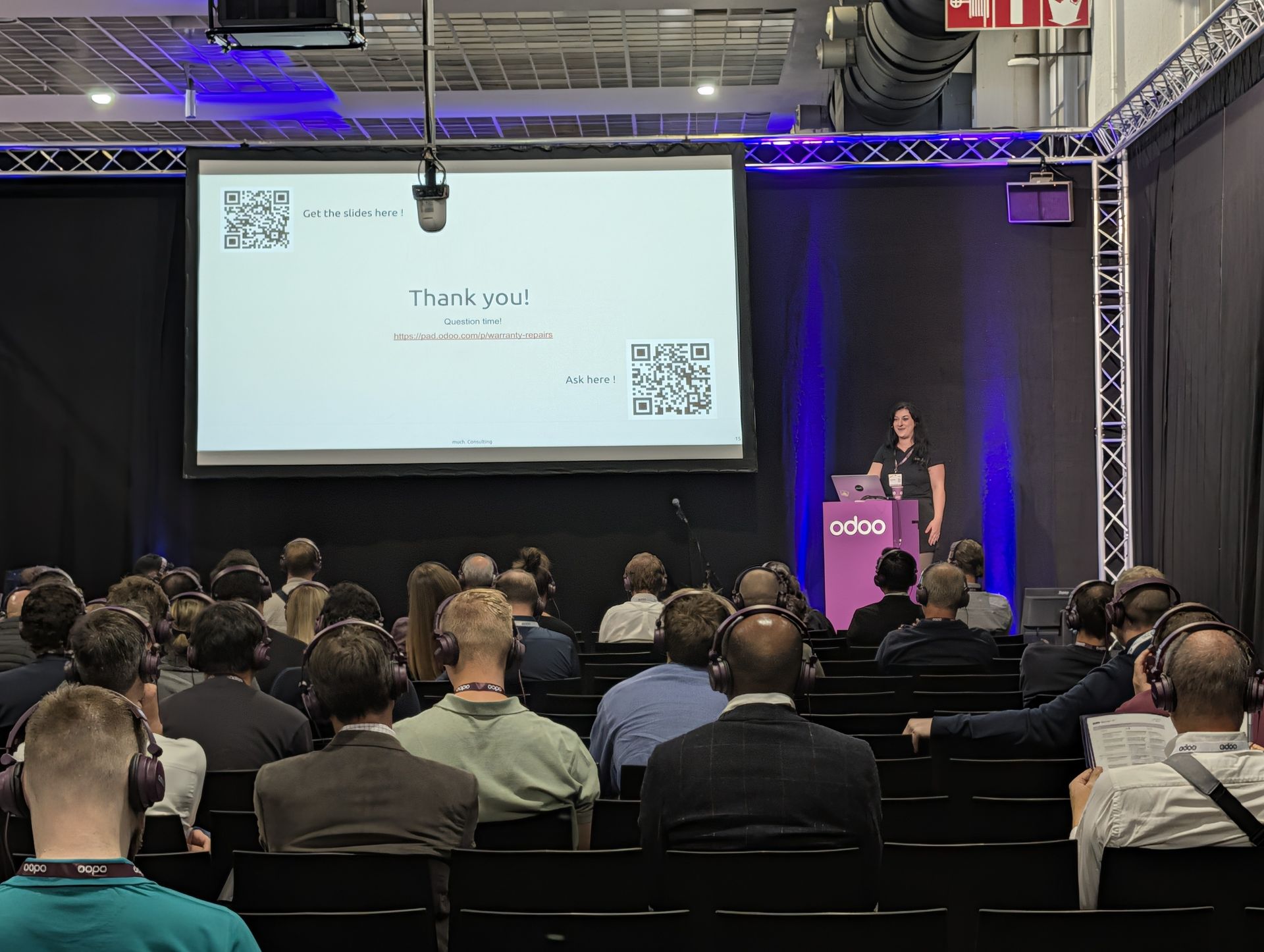
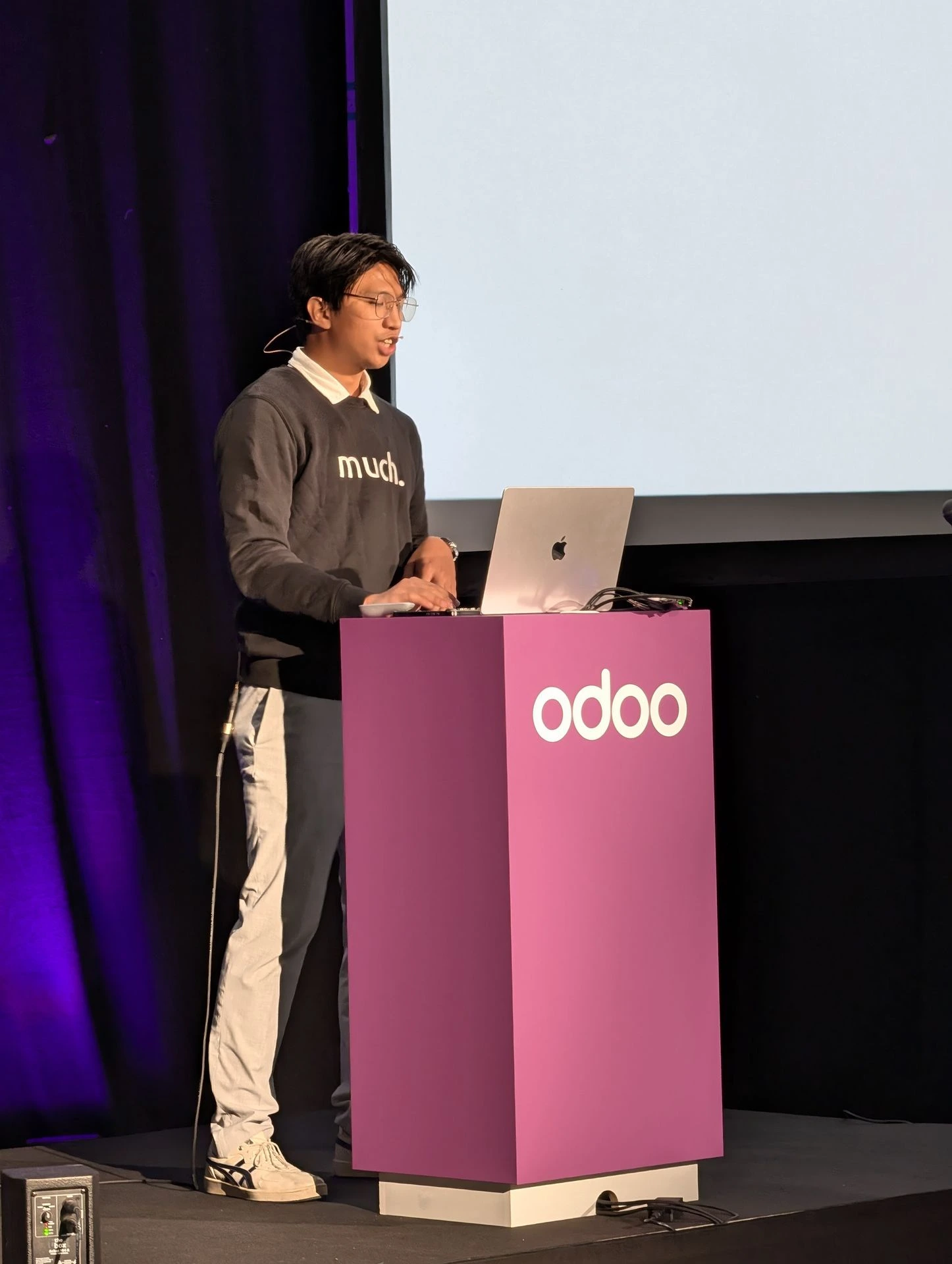
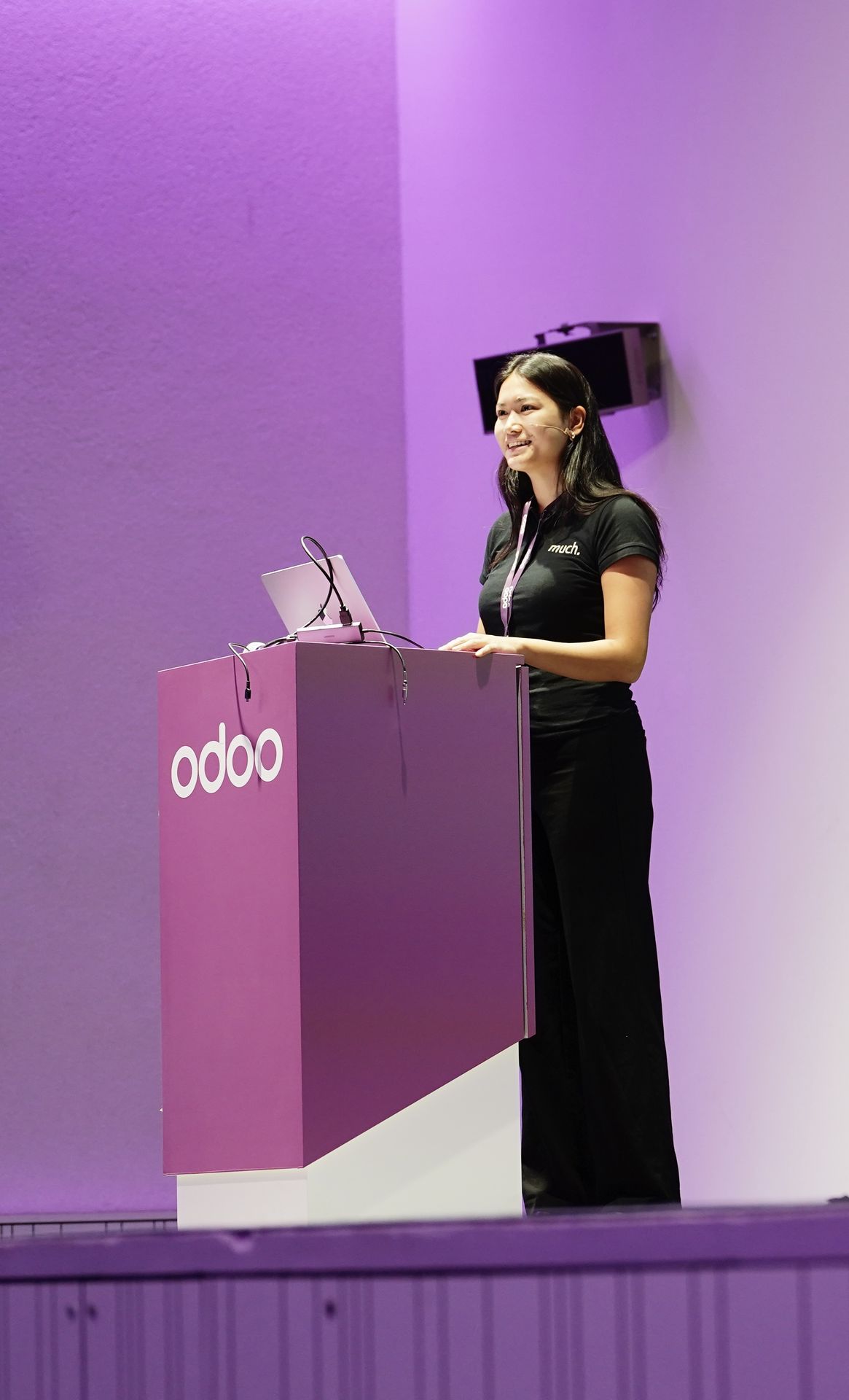
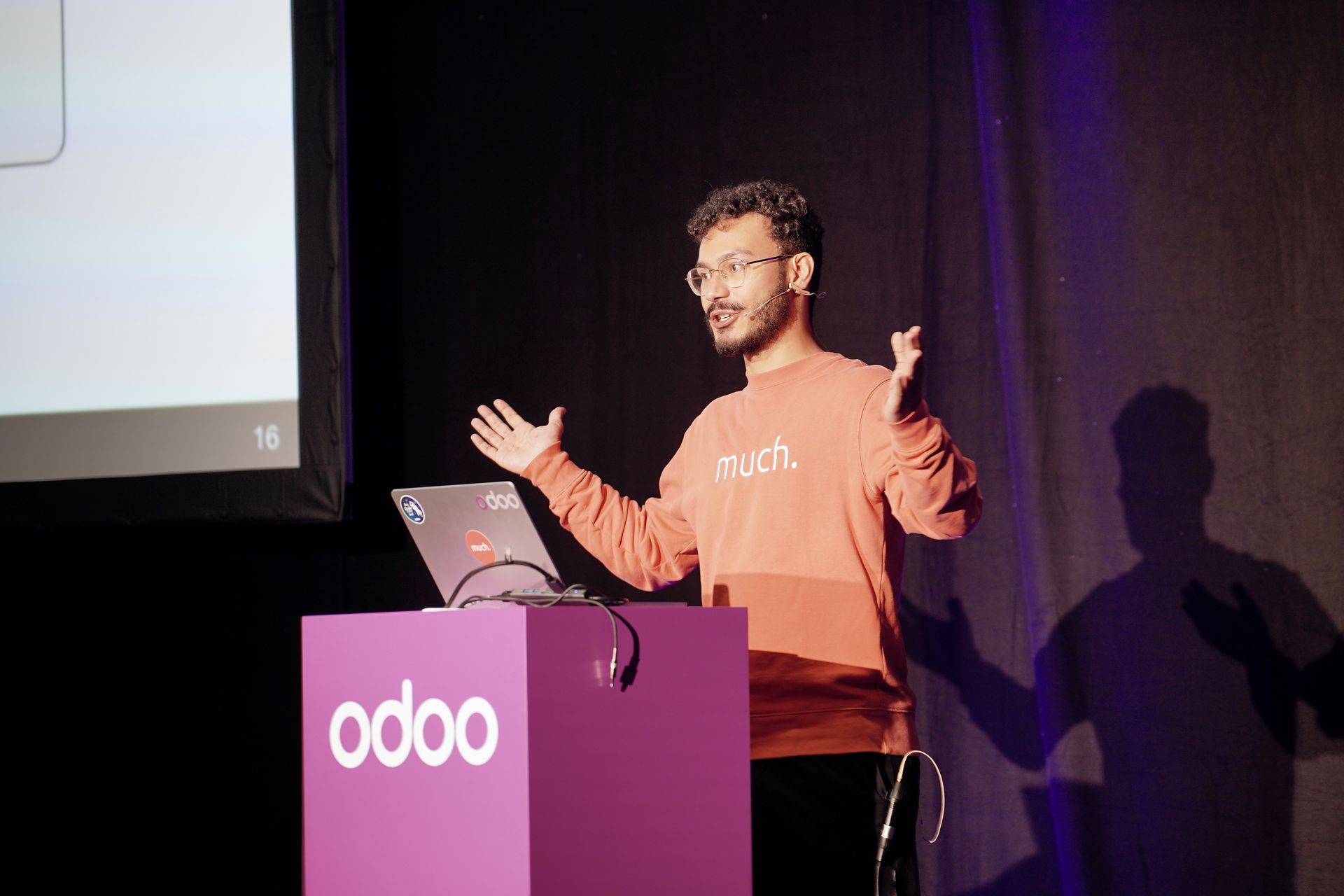
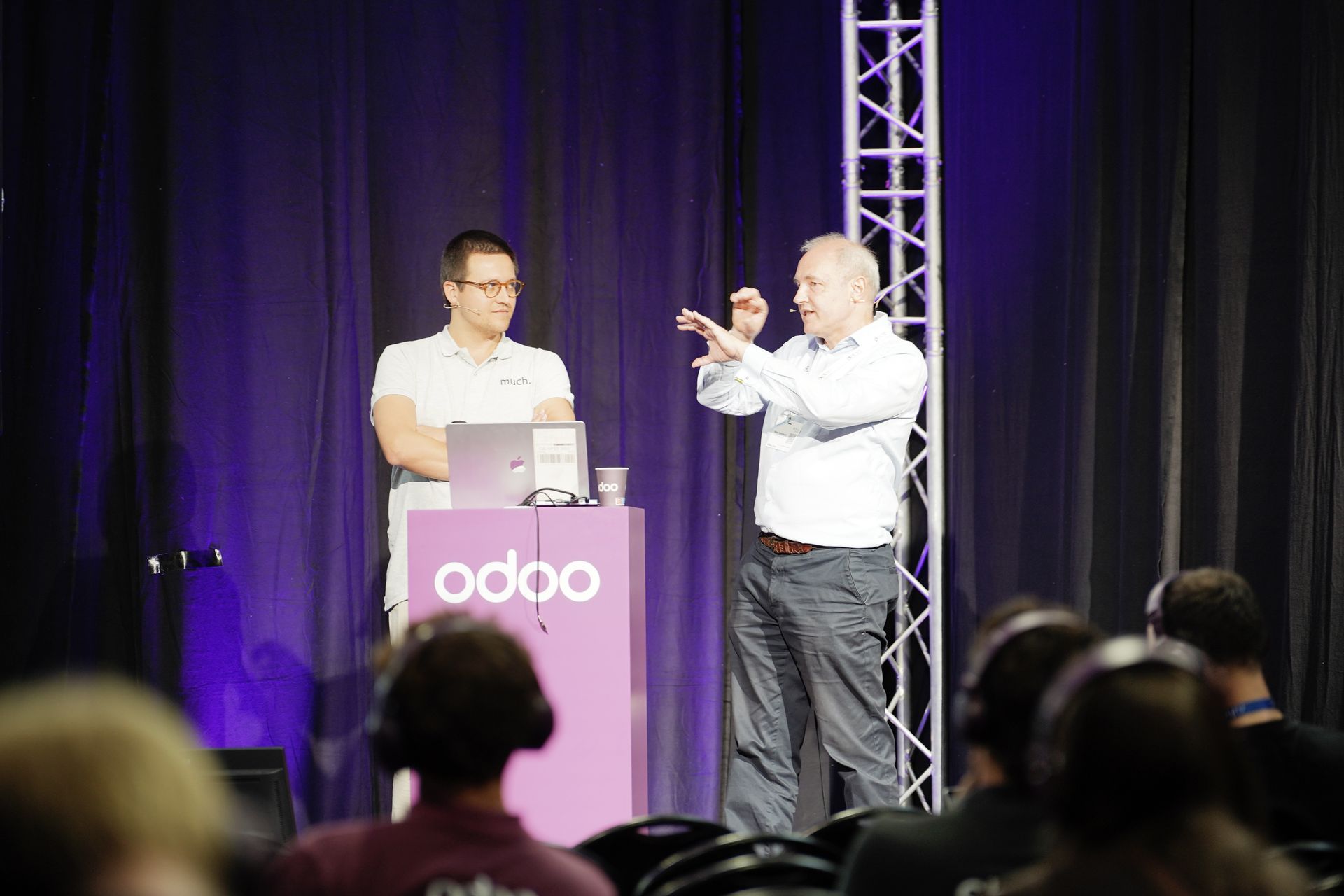
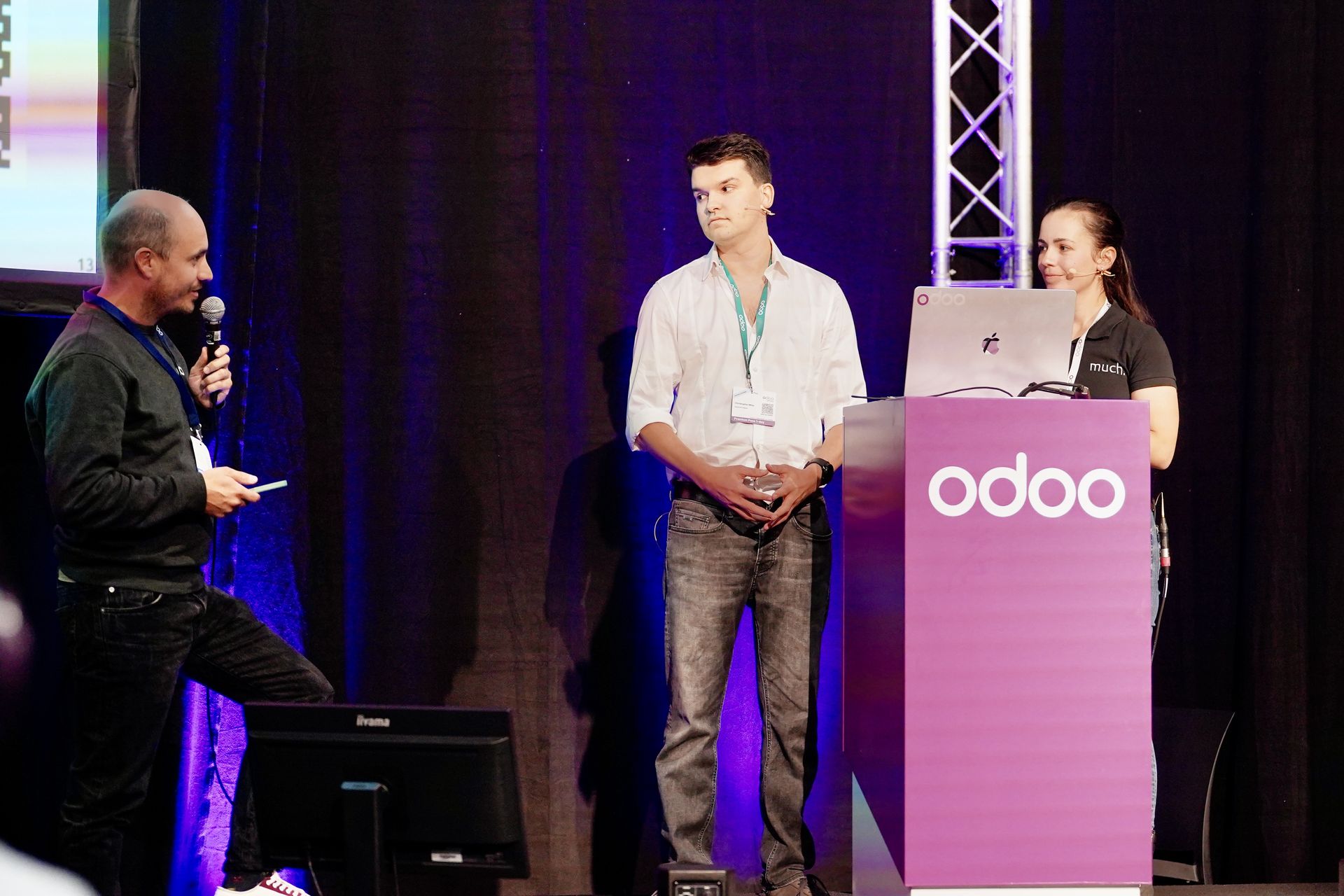
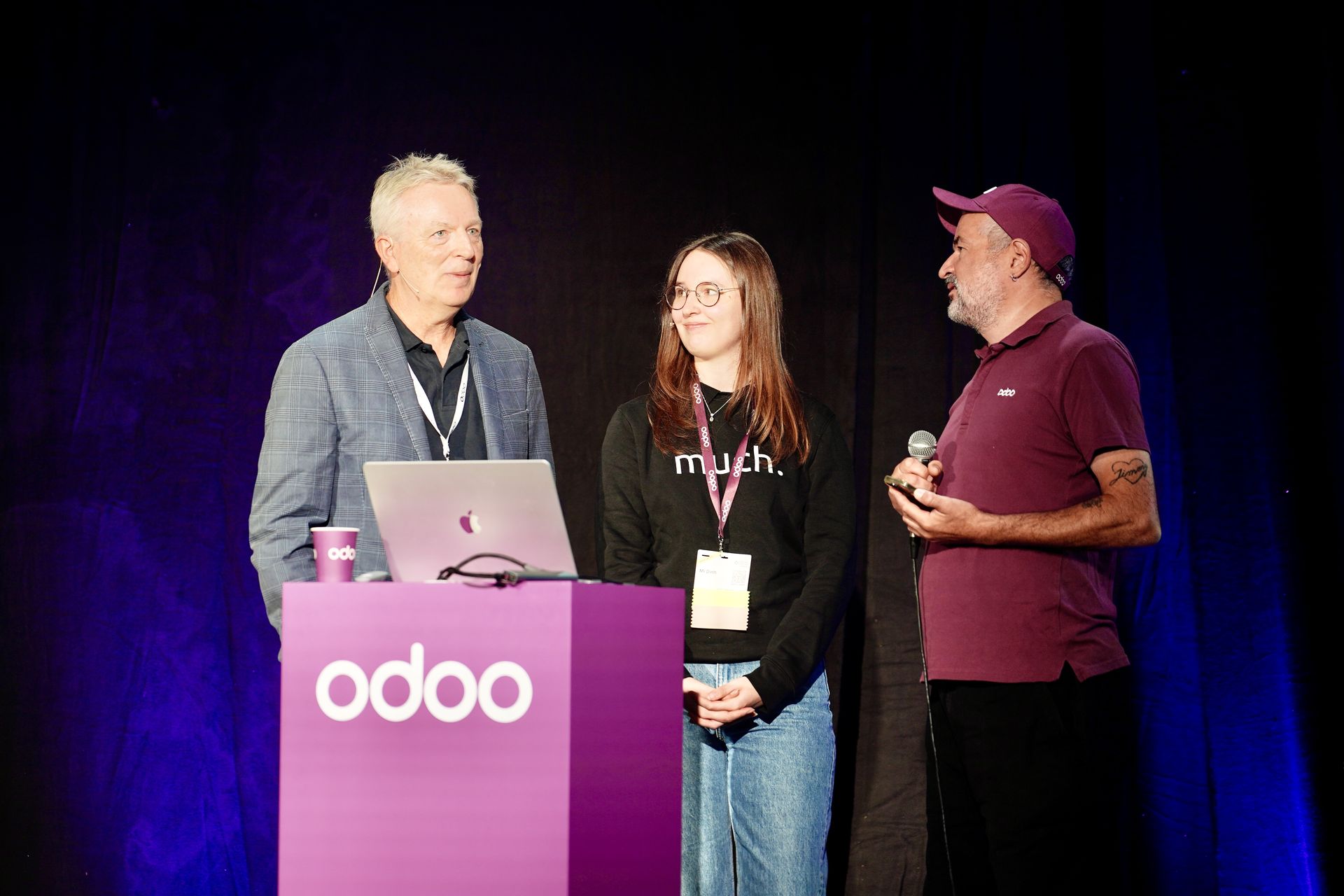
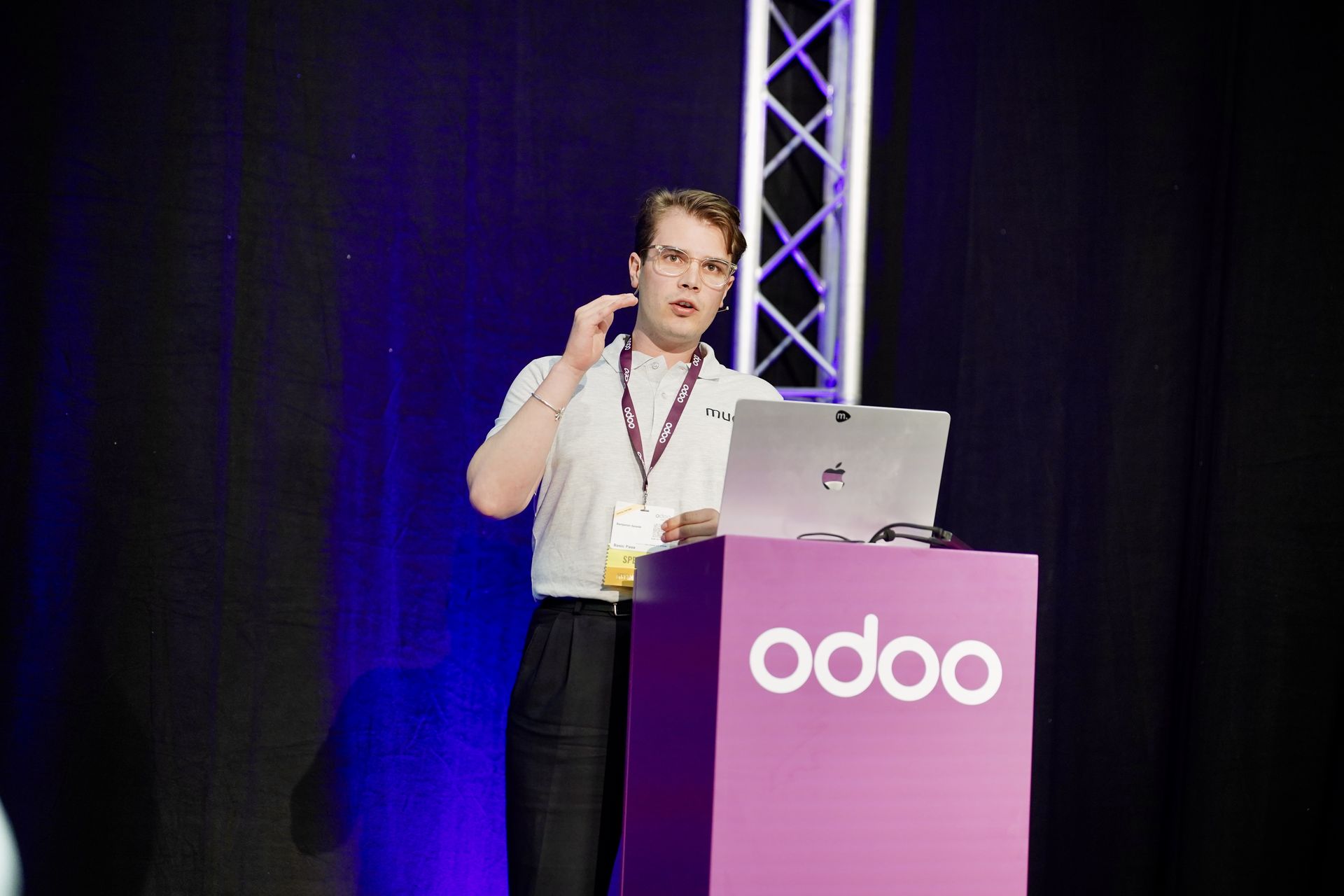
Auf der Bühne der Odoo Experience 2026 hielten unsere Experten 17 Vorträge zu KI, Fertigung, E-Commerce, Abonnements, Erfolgsgeschichten von Kunden und mehr:
Flugverbotszonen im Lager durchsetzen mit Odoo für die Luft- und Raumfahrt
Wärmebehandlungsanlagen in Odoo abbilden und ETO-Fertigung mit 20.000 Stücklisten automatisieren
So bauen Sie in Odoo ein Framework für Projektvereinbarungen im komplexen Großhandel auf
Raus aus dem Lagerstillstand mit Just-in-Time-Beschaffung in Odoo Enterprise
Schluss mit den immer gleichen Tickets dank eines selbstlernenden Helpdesks mit KI in Odoo 19
So verwalten Sie 250.000 Dropshipping-Produkte in Odoo
Zwei Rollen für Python in Odoo als Motor der Kernlogik und der User Experience
Hochperformanter E-Commerce in Odoo mit S3 und Google Merchant Center
Den Stack konsolidieren und WooCommerce durch natives E-Commerce in Odoo Enterprise ersetzen
Unified Commerce mit Odoo Enterprise vereint E-Commerce, POS & Marktplatz in einer Lösung
Leitfaden für die sichere Migration Ihrer SaaS-Abrechnung nach Odoo
Häufige Fragen zur Odoo Experience 2026
Was ist die Odoo Experience?
Die Odoo Experience ist die jährliche Veranstaltung von Odoo und das größte Treffen der Odoo-Community. Sie findet in der Brussels Expo in Belgien statt. Bei jeder Ausgabe wird in der Eröffnungskeynote die neue Odoo-Version vorgestellt, dazu kommen Hunderte Vorträge, Aussteller und Masterclasses. Die Odoo Experience 2026 fand weltweit statt, mit Ausgaben in Mexiko, den USA, Kenia und Indien.
Was sind die wichtigsten neuen Funktionen in Odoo 20?
Zu den wichtigsten neuen Funktionen in Odoo 20 gehören KI-Agenten, die in automatisierten und geplanten Aktionen laufen, ein nativer MCP-Server, ein KI-Buchhaltungsagent, verbesserte unternehmensübergreifende Prozesse und der Abgleich von Bestellungen, ein KI-Website-Assistent, ein verbesserter Offlinemodus und eine neu gestaltete mobile App.
Was ist ein Odoo Light User und was kostet er?
Ein Light User ist ein neuer, günstigerer Benutzertyp, der mit Odoo 20 eingeführt wurde und ab 7,90 € pro Monat erhältlich ist. Light User haben Zugriff auf eine begrenzte Auswahl an Apps, etwa ihre eigenen Abwesenheiten, Spesen und Anwesenheiten sowie Lohnabrechnungen, POS und Shop Floor. Um den Preis für Light User zu erhalten, müssen Kunden Odoo 20 nutzen und eine Enterprise-Lizenz haben.
Sprechen wir über die Zukunft von Odoo
Sie möchten über Odoo 20 sprechen oder Ihr aktuelles Setup von unseren Experten prüfen lassen? Kontaktieren Sie unser Team noch heute.